Model-Inventory is a sleek, modern web application built with Next.js that allows you to send a single prompt to multiple open-source and proprietary AI models simultaneously and compare their responses in a clean, side-by-side interface.
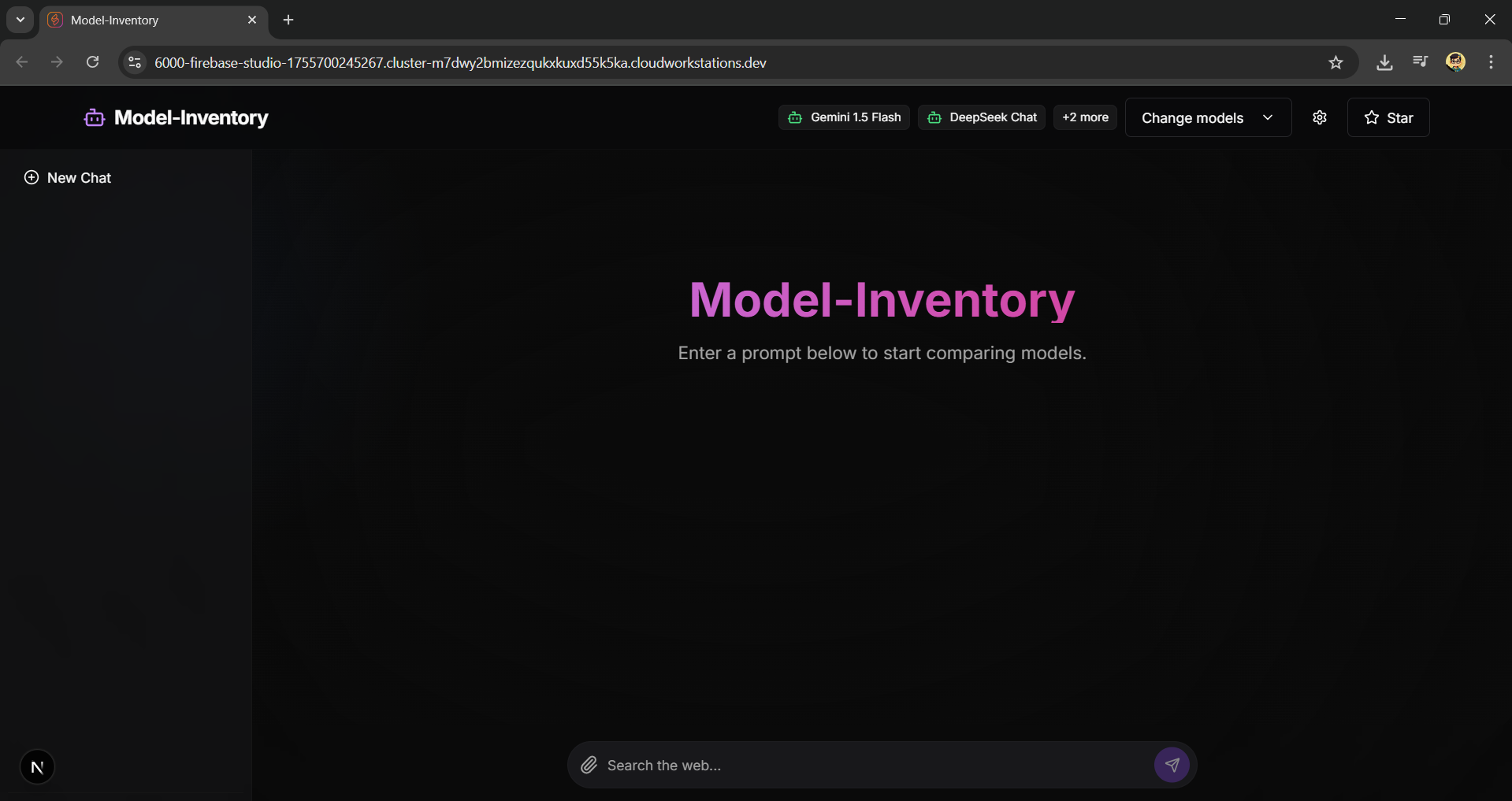
- Side-by-Side Model Comparison: Enter a prompt once and get responses from multiple AI models displayed in a horizontally scrollable view.
- Multiple Free & Paid Models: Integrated with a variety of free-to-use models via OpenRouter (like Llama 3, DeepSeek, and Mistral) and Google's Gemini.
- Performance Metrics: Each response card displays how long the model took to generate the output, so you can compare speed.
- Persistent Chat History: Your conversations are saved in the collapsible sidebar, allowing you to revisit and continue them at any time.
- Secure API Key Management: API keys are stored securely in your browser's local storage and are never exposed to a server.
- Dynamic & Interactive UI:
- A beautiful dark theme with a subtle animated gradient background.
- A collapsible sidebar for managing chat history.
- A clean, modern design inspired by leading AI chat applications.
- Intelligent Response Formatting: Automatically detects and pretty-prints JSON or table-formatted responses for better readability.
- Responsive Design: A great experience on both desktop and mobile devices.
- Framework: Next.js (App Router)
- AI Integration: Genkit by Firebase
- Styling: Tailwind CSS
- UI Components: ShadCN UI
- Icons: Lucide React
- Language: TypeScript
Follow these steps to get a local copy up and running.
- Node.js (v18 or newer)
- npm or yarn
-
Clone the repository:
git clone https://github.com/NavuluriBalaji/Model-Inventory.git cd Model-Inventory -
Install dependencies:
npm install
-
Set up API Keys:
- Get your API keys from:
- Google AI Studio for the Gemini API Key.
- OpenRouter.ai for the OpenRouter API Key.
- You can either set them in the in-app settings UI or create a
.env.localfile in the root of your project and add your keys there:GEMINI_API_KEY="YOUR_GEMINI_API_KEY" OPENROUTER_API_KEY="YOUR_OPENROUTER_API_KEY"
- Get your API keys from:
-
Run the development server:
npm run dev
Open http://localhost:9002 with your browser to see the result.
Navuluri Balaji
- GitHub: @NavuluriBalaji
Feel free to contribute to this project by submitting issues or pull requests. If you find it useful, please consider giving it a ⭐ on GitHub!